Visitor and access management
Your next visitor reads every name in your register.
Name, phone number, ID number, who they came to see. Checkpoint gives each visitor a private, encrypted record instead of a line on a shared page. It keeps working when the network drops, and people without a smartphone still check in.
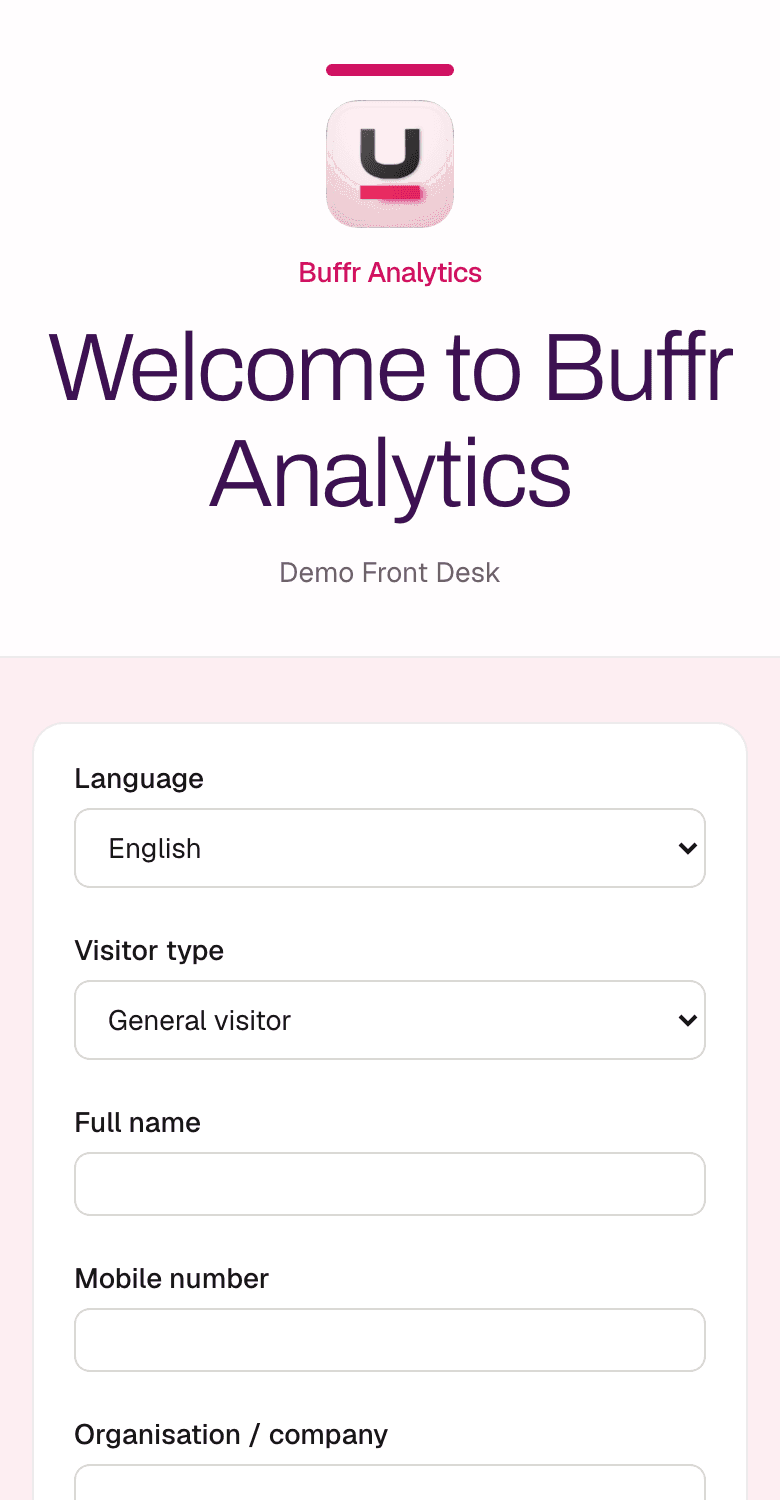
Look at the last page of your visitor book.
Every line holds a name and phone number, and often an ID or passport number, a car registration, an employer, and the person the visitor came to see. The next visitor reads all of it while they sign. Nobody logs who photographed the page. When an auditor asks who saw a record last March, the book has no answer.
Paper register
- Name, phone, email, ID or passport number, vehicle registration, and purpose visible to the next visitor
- No reliable access history
- No retention control
- No trace of who photographed a page or where a lost page went
Checkpoint
- One visitor record, visible only to authorised staff
- Every read, export, and change is audited
- Retention is enforced per site policy
- Compliance officers export evidence packs for auditors
Six ways in. One private record per visitor.
QR-first phone check-in
Print your site QR code from admin. Visitors scan it and check in on their own phone browser.
Assisted front desk
Reception checks in visitors who have no phone, a feature phone, or trouble with the form. Their record gets the same encryption as a self check-in.
Keeps working offline
With a kiosk on site, check-in carries on through a network outage. Records stay encrypted on the device and sync once the connection returns, with no duplicates and a full audit trail.
Checks sized to the risk
A courier at a branch office and a contractor entering a server room need different identity checks. You set the level per site, visit, and zone.
Audit-ready evidence
Each time someone views, exports, corrects, or deletes a sensitive record, the system writes an audit event nobody edits afterwards.
Optional fast lanes
Add NFC badges, a dedicated kiosk, SMS, or USSD later. Each writes to the same record and switches on once our status page lists it as Live.
Smartphone, feature phone, or no phone at all.
Pick the channel that suits each visitor. The data protection stays the same on every one.
- NFC badge
- QR invitation
- Tablet kiosk
- USSD
- SMS
- Assisted entry
One isolated visitor record
Same encryption, audit trail, and retention policy for every channel.
How it works
01
Arrival
The visitor uses their own phone, a badge, the kiosk, or the front desk.
02
Verification
The identity check matches the site. A bank vault asks for more than a clinic waiting room.
03
Record
The visit becomes one encrypted record. Other visitors never see it.
04
Notify
The host gets a notification. Sites with approval rules hold entry until the host says yes.
05
Access & sign-out
Reception logs entry, escort rules apply, and sign-out closes the record.
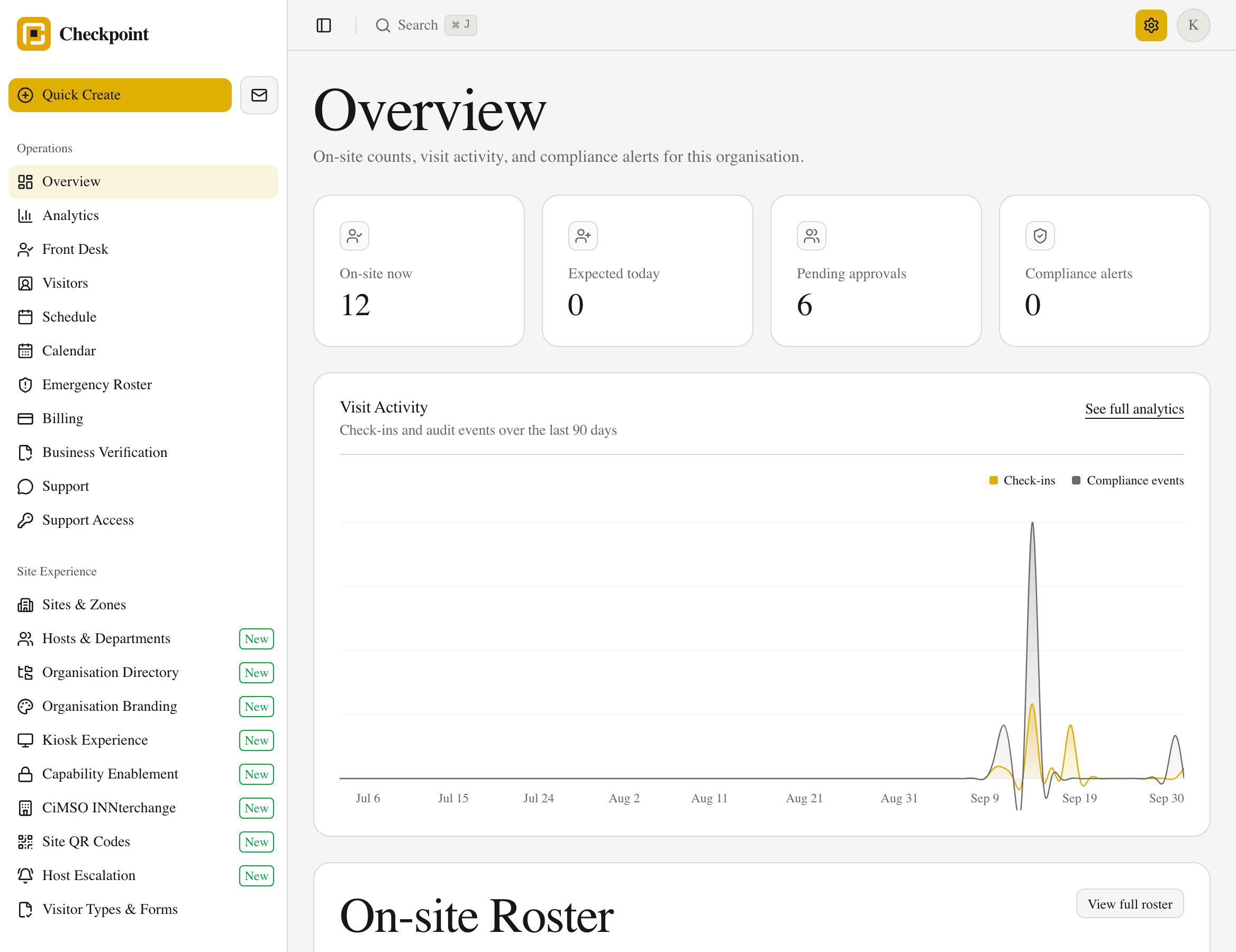
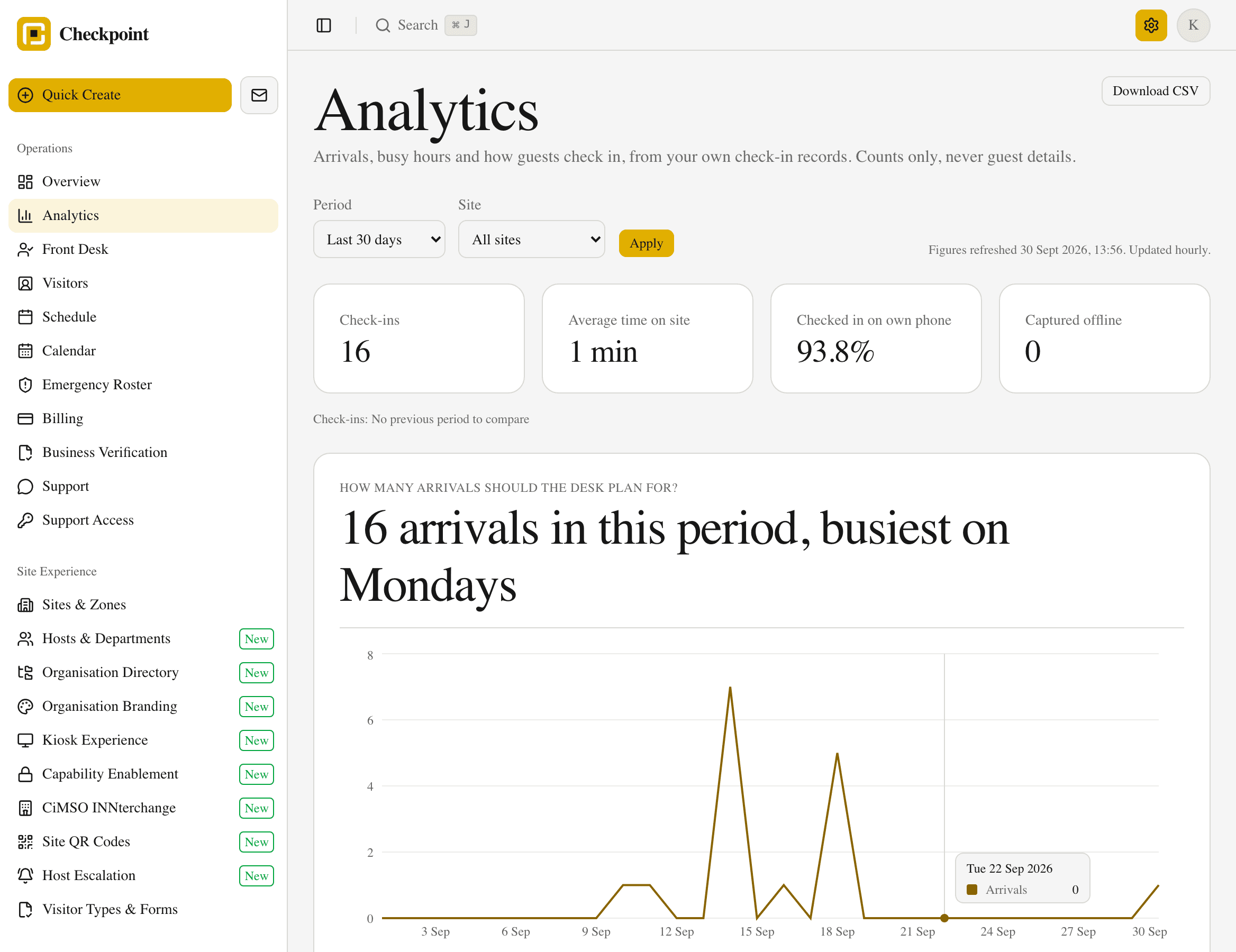
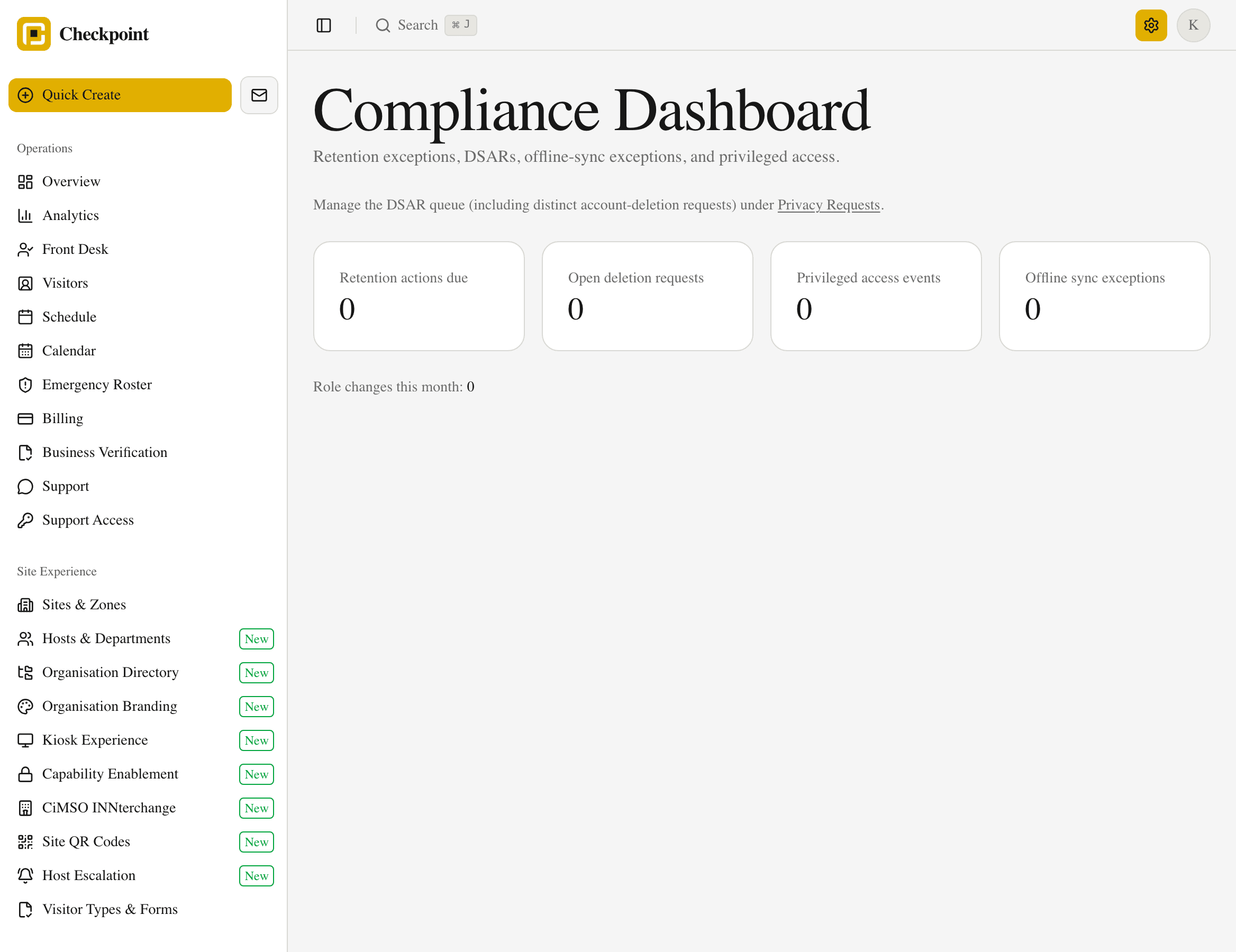
What your front desk and compliance team see.